
This procedure explains how to use the Metro Markets Client Key and Client Secret to connect a Metro store to AtomicSeller.
Before you begin #
- Your Metro or MAKRO Marketplace seller account is approved and active in production.
- You can generate API keys in the Seller Office.
- You have permission to manage stores in AtomicSeller.
- You know how many days of orders should be retrieved during the initial synchronization.
Generate the Metro API keys #
- Sign in to the production Seller Office.
- Open the section used to generate API Keys.
- Generate a new key pair dedicated to AtomicSeller.
- Copy the Client Key and Client Secret as soon as they are displayed. The secret cannot be viewed again.
- Store both values in a password manager. Sandbox and production keys are different; do not use a test-environment pair for the live store.
Configure the store in AtomicSeller #
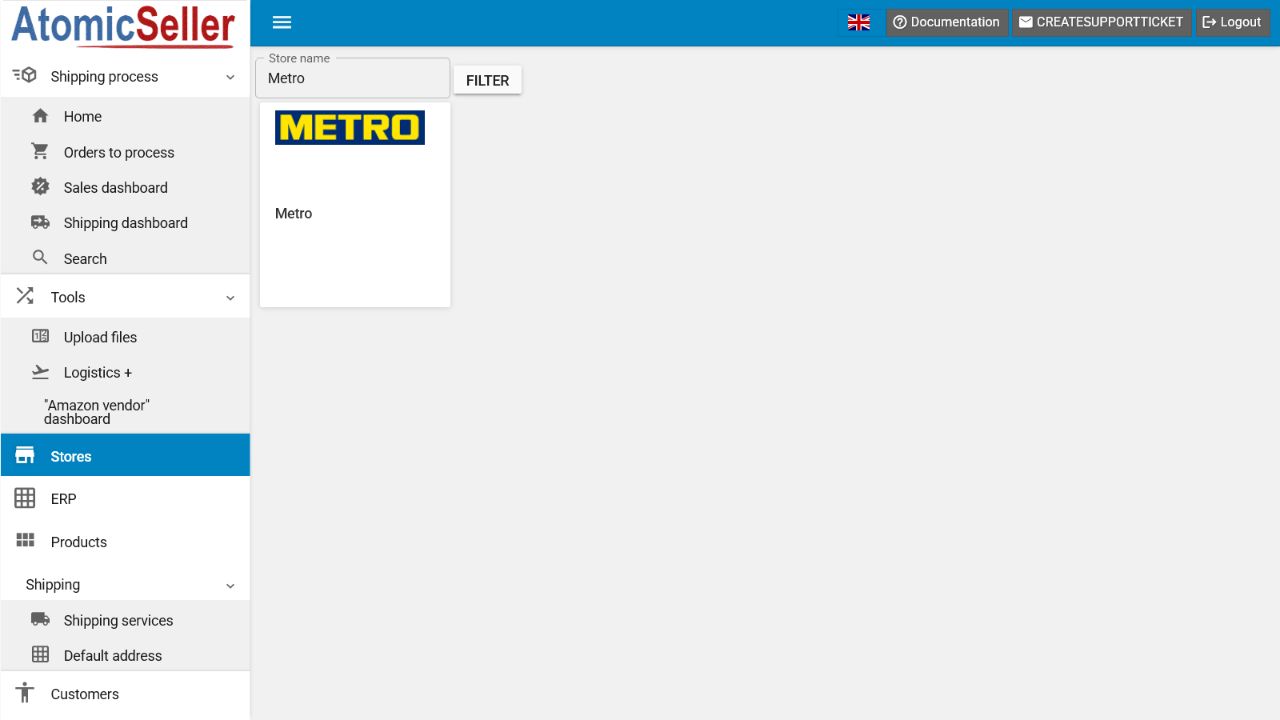
- In AtomicSeller, open Stores, select Add a store, then select Metro.
- Under Main settings, enter a Store name and a short unique Store key.
- Paste the Metro Client Key into API key.
- Paste the Metro Client Secret into API secret key.
- Set the Number of days to retrieve during the initial synchronization.
- Keep the advanced settings at their default values unless your administrator or AtomicSeller support instructs you otherwise.
- Select Save, then Check connection.
- When the test succeeds, select Get new orders from store and review them under Orders to process.
Expected result. AtomicSeller authenticates Metro requests with the Client Key and Client Secret and retrieves eligible orders.
Troubleshooting #
401 error. Confirm that the Client Key and Client Secret belong to the same pair, come from production, and were copied without truncation.
Lost secret. Metro does not display the Client Secret again. Generate a new key pair, replace both values in AtomicSeller, and retest the connection.
No orders appear. Check the number of days, the presence of recent orders, and the order-acceptance settings. Do not change automatic acceptance without understanding the operational impact.
Intermittent failures. Metro requests are signed with a timestamp and an HMAC signature. If valid credentials still fail, contact AtomicSeller support with the test time and error message, but never attach the secret.