
This procedure explains how to create WooCommerce REST API credentials and use them to synchronize orders and tracking with AtomicSeller.
Before you begin #
- You have administrator rights in WordPress and WooCommerce.
- The site uses HTTPS and a permalink structure other than Plain.
- You can create a REST API key for a user who is allowed to read and update orders.
- You have permission to manage stores in AtomicSeller.
Create the REST API key in WooCommerce #
- In WordPress, open WooCommerce > Settings > Advanced > REST API.
- Select Add key.
- Enter a clear description such as AtomicSeller.
- Associate the key with a technical user who has the required permissions.
- Choose Read/Write permissions, then generate the API key.
- Immediately copy the Consumer key and Consumer secret. The secret is displayed only once.
Configure the store in AtomicSeller #
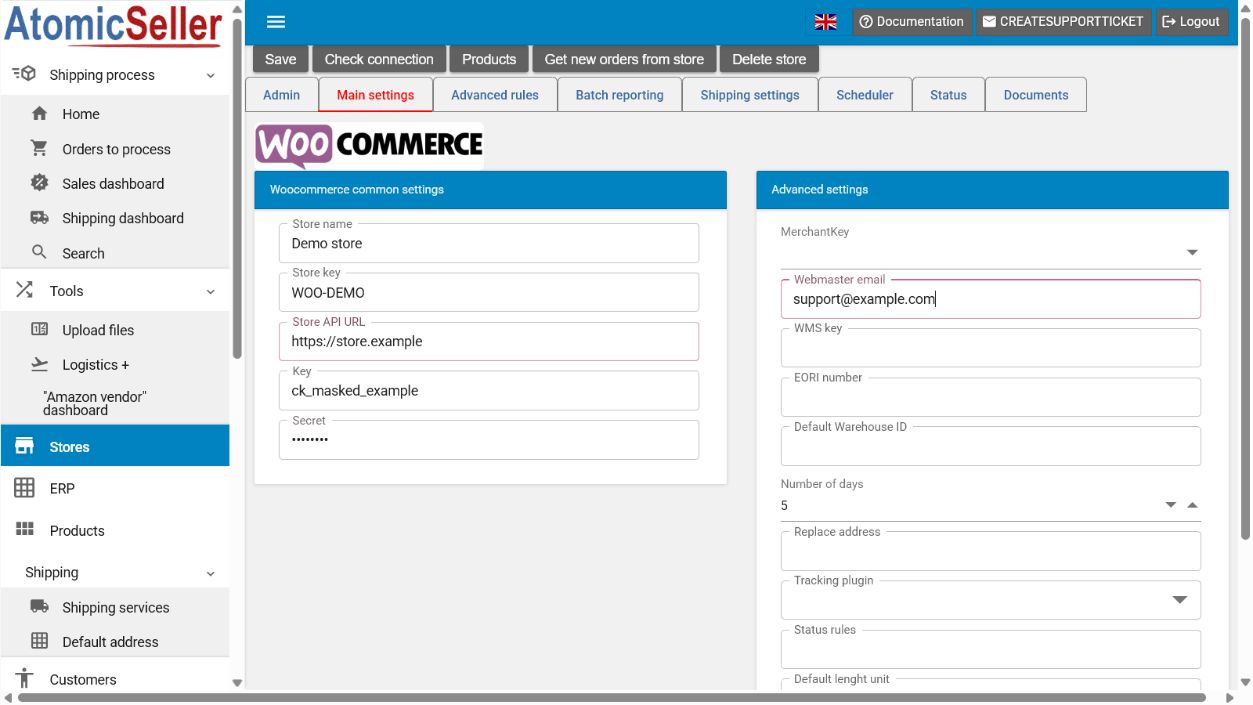
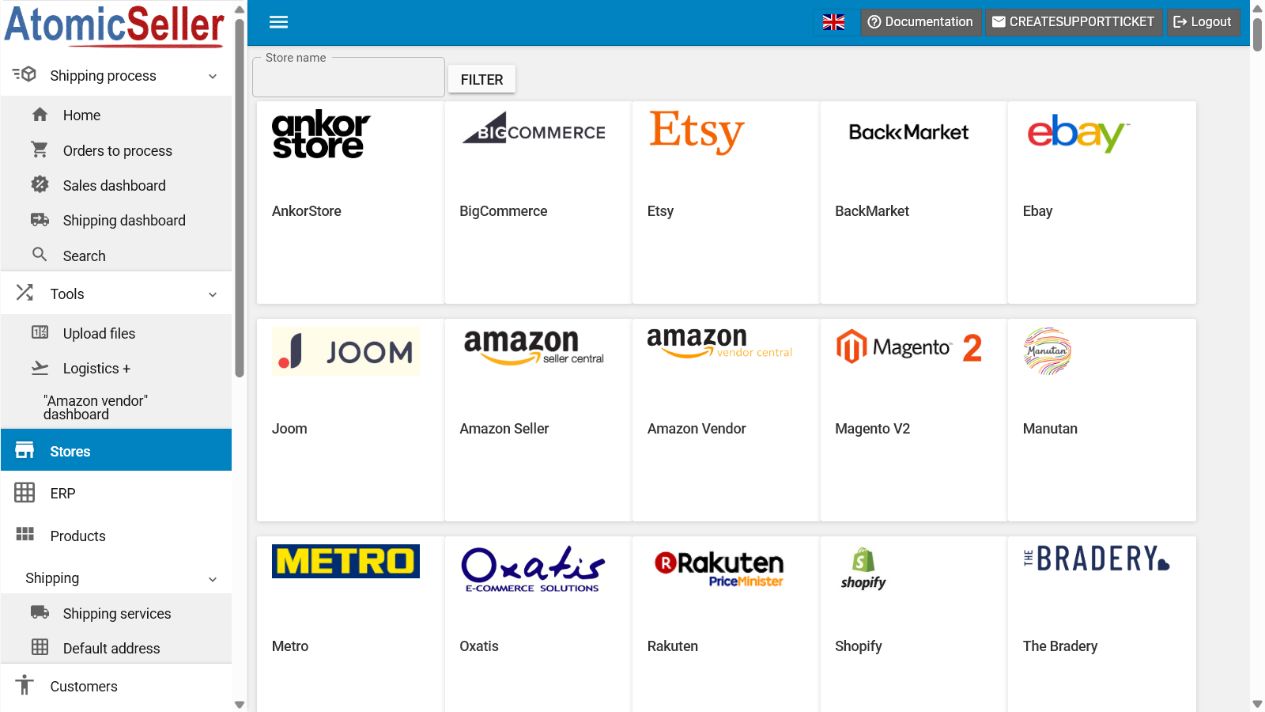
- In AtomicSeller, open Stores, select Add a store, then select WooCommerce.
- Open the Main settings tab.
- Enter a Store name and choose a short unique Store key.
- In Store API URL, enter the HTTPS root address of the site without appending
/wp-json. - Paste the WooCommerce consumer key into Key and the consumer secret into Secret.
- Set the Number of days to retrieve during the initial synchronization.
- Select Save, then Check connection.
- When the test succeeds, retrieve the orders and review them under Orders to process.
Expected result. AtomicSeller confirms the connection to the WooCommerce REST API and retrieves eligible orders.
Troubleshooting #
401 or 403 error. Check the key, secret, associated user, and Read/Write permissions. A security plugin or web application firewall might also block the API.
404 error. In WordPress, open Settings > Permalinks, select a structure other than Plain, and save the settings again.
Certificate error. Confirm that the HTTPS certificate is valid and the site is reachable without an unexpected redirect.
No orders appear. Check the retrieval period, order statuses, and the permissions of the user associated with the key.
Official reference #
Create and manage WooCommerce REST API keys