
AtomicSeller can export orders to an Excel file for a selected order-date period.
Open the order report #
- Open the Reports menu.
- Under Order report, click Between order dates.

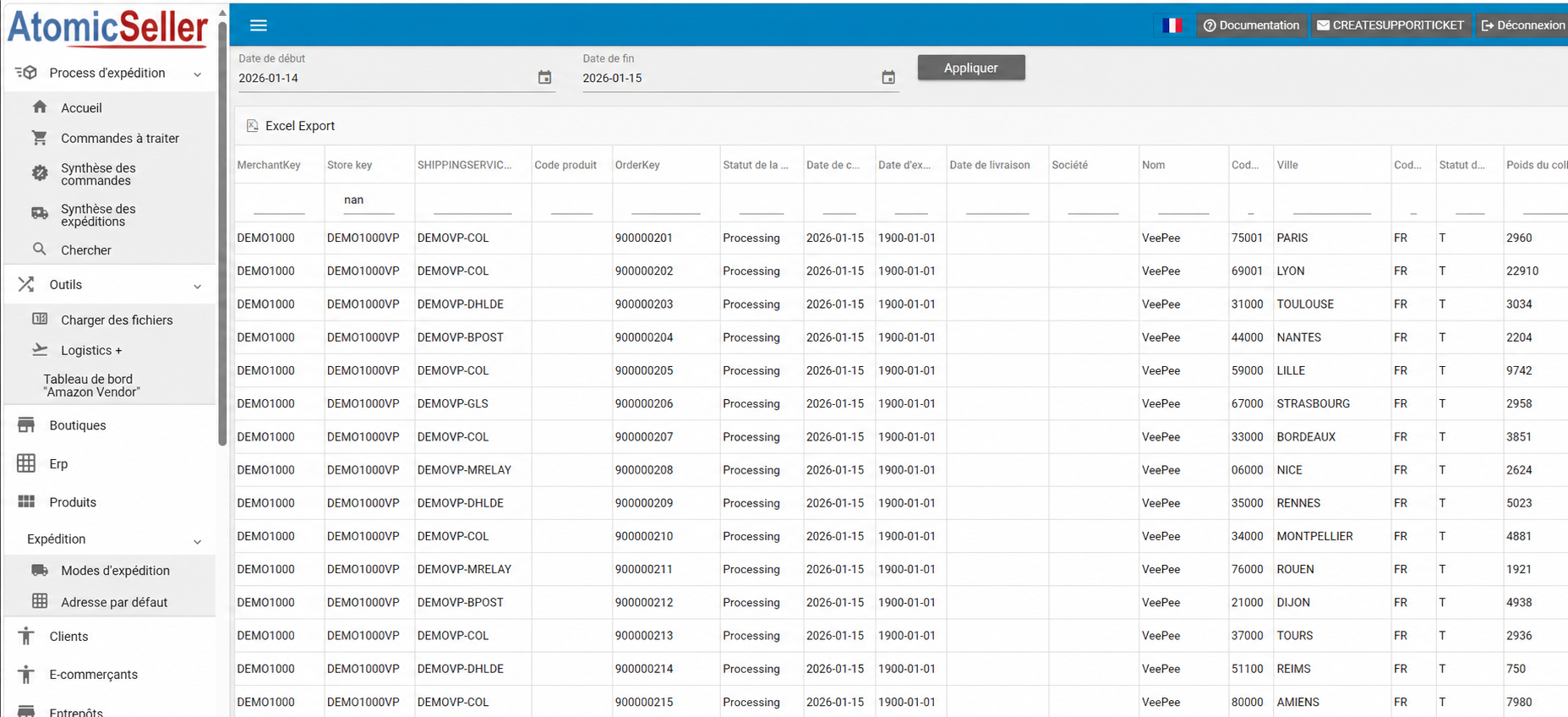
Select the period #
- Select the start date and end date.
- Click Apply.
- Review the orders displayed in the table.
Download the Excel file #
- Click Excel Export.
- Your browser downloads the file.
- Open the downloaded file in Excel.
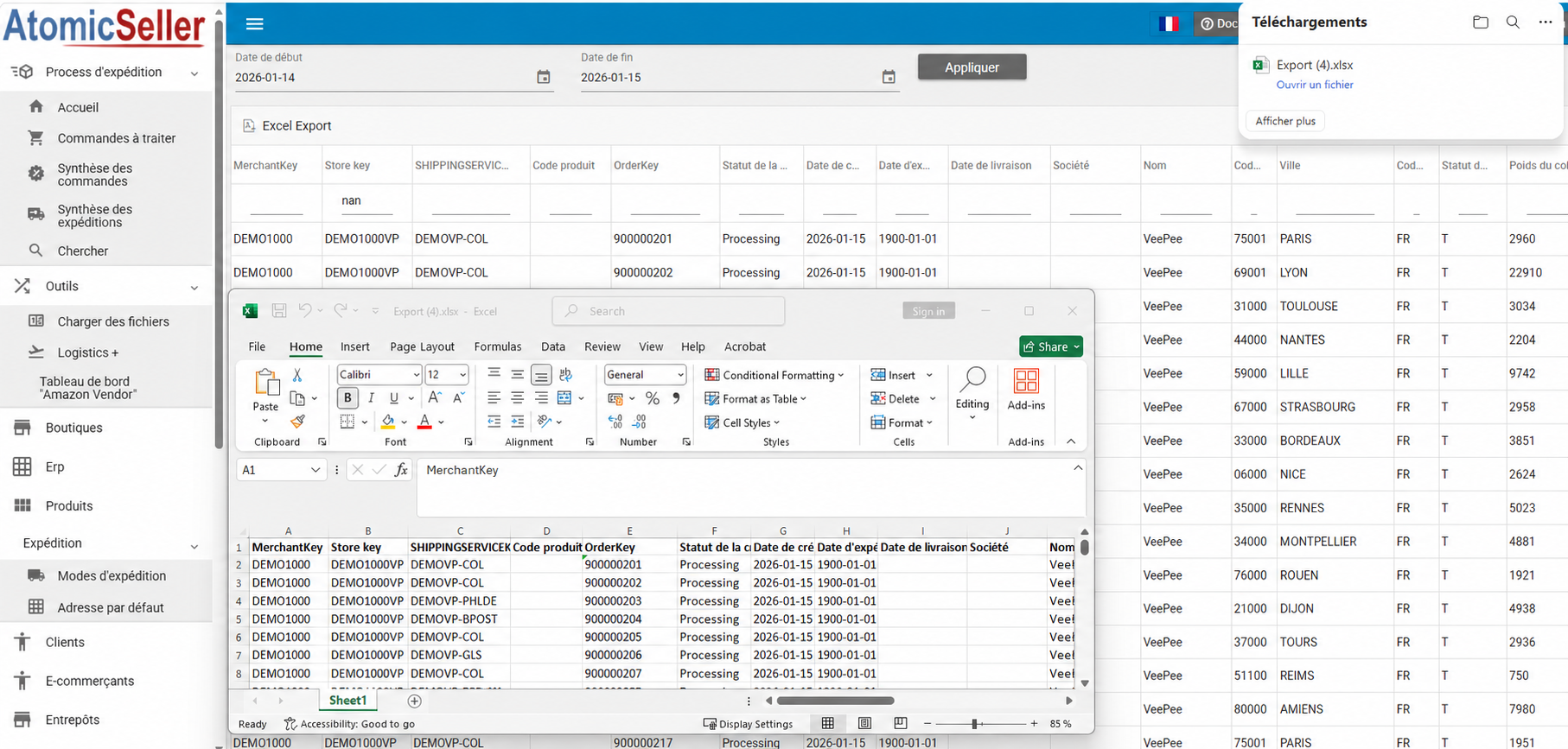
The file contains the information displayed in the report, including the merchant, store, shipping service, order reference, statuses and destination data.