
This procedure explains how a logistics operator can search for the Veepee orders available in AtomicSeller and review their details.
Search for orders #
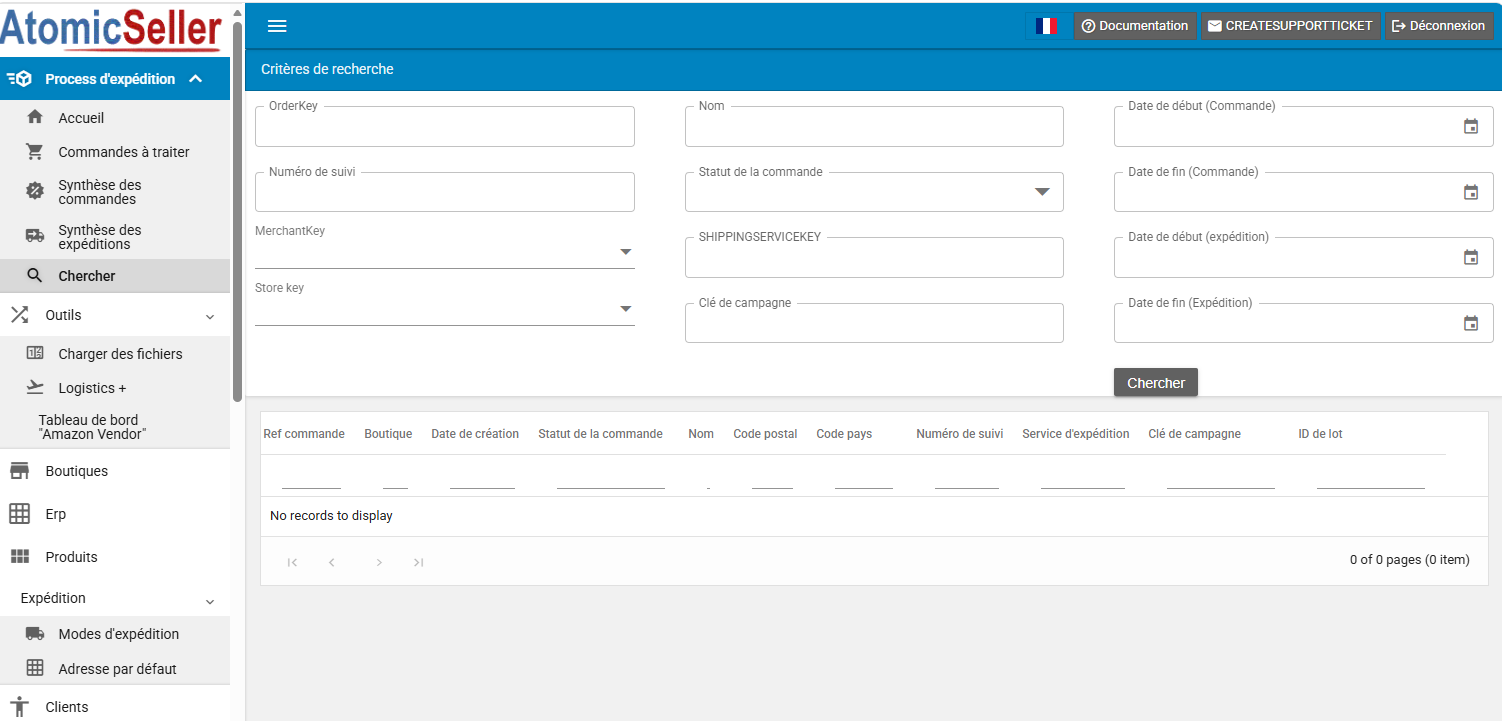
- From the Shipping process menu, open Search.
- Enter at least one search criterion. A search cannot be performed without a criterion.
- You can search by order reference, tracking number, merchant, store, recipient, status, shipping service, campaign key or date range.
- Run the search to display the matching orders.
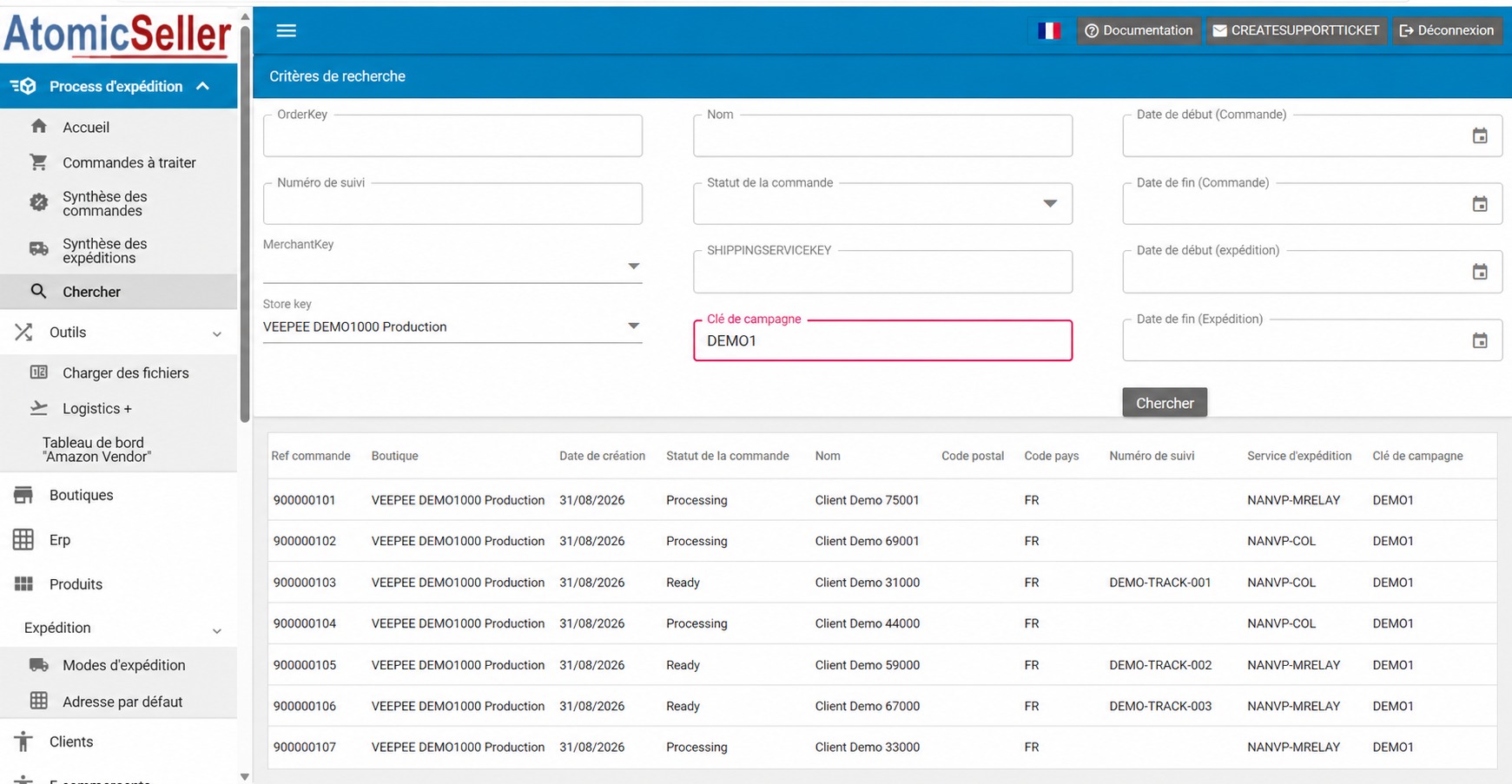
In the following example, the results are filtered by Veepee store and campaign key. The campaign key identifies the Veepee sale.
View the order details #
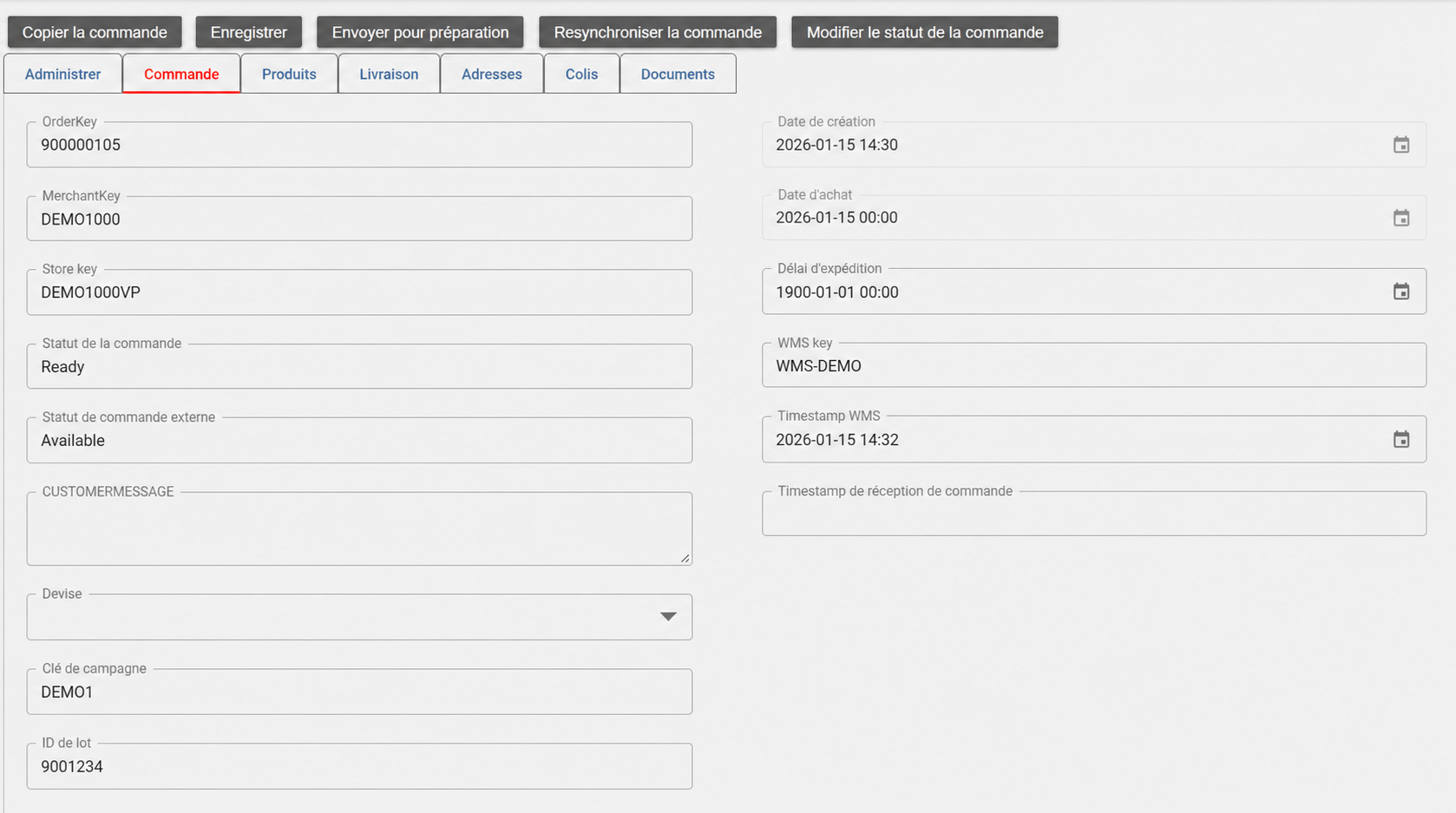
Click an order once in the search results to open its details.
Important Veepee information #
- Campaign key: identifies the Veepee sale.
- Batch ID: identifies the Veepee batch. All orders belonging to the same batch share this identifier. The French interface displays ID de lot, where “lot” is the French translation used for “batch”.
- WMS timestamp: gives the exact date and time when the order was transmitted to the warehouse.